
Vertical Microsoft Dynamics 365 Business Central software solutions for industries
Microsoft Dynamics 365 Business Central is 1 integrated software package to manage all business departments. Because it is an integrated platform that consists of different modules. And these modules allow customers to implement at their own pace. Because every company has its own growth path. And so want to expand in function of growth. What makes us unique is that specific functionalities for industries are added.
On top of the Dynamics Business Central platform we have solutions for a varied range of industries. Each of them is an affordable, standardised solution precisely because it is ready-made software for specific branches. And it is based on the worldwide market leader Microsoft Dynamics 365 Business Central that is sold in 196 countries. Although it is a standardised solution extra customisation is still possible. Because there are firms out there that still want to put their own mark on things. So we can also help them differentiate. And make a competitive difference for them. Find out more on our solutions below!
Why Microsoft Dynamics 365 Business Central as your software platform? Because it is the best!
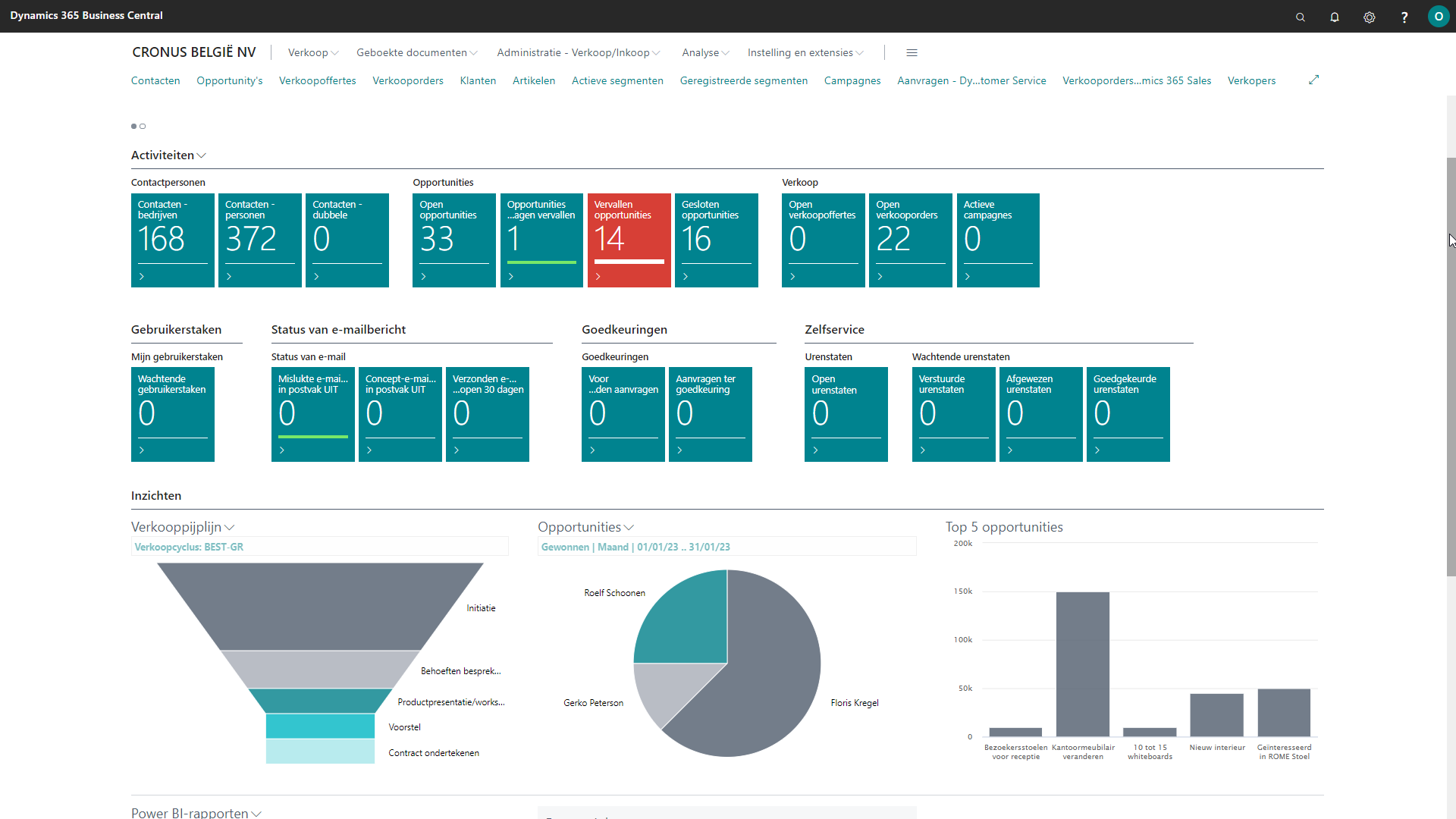
Reliable business software is a must for every company today. Because each one of them wants efficient administrative processes. And every firm needs to be able to observe situations closely and respond to them quickly. Therefore, we built future-proof Dynamics 365 Business Central software that makes your business more efficient. And agile. Because our solution helps optimise processes and reduce costs. And what’s more, you get a better grip on and control thanks to strong dashboards. So you can make the right management decisions. And serve your customers professionally.
On top, our vertical solutions for Business Central are very recognisable software. Because they are built on Business Central, which looks just like other well-known programs from the Microsoft Office 365 suite. Moreover, this Microsoft foundation also makes our vertical solutions very user-friendly software. It’s also a solution that employees like to work with.
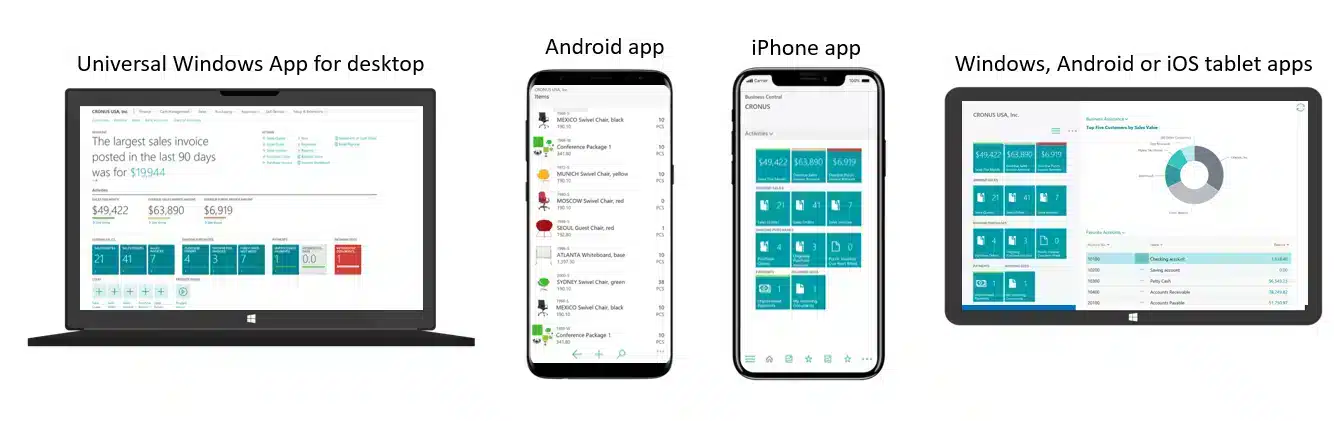
Dynamics 365 Business Central software from Microsoft is mobile thanks to an intelligent design!
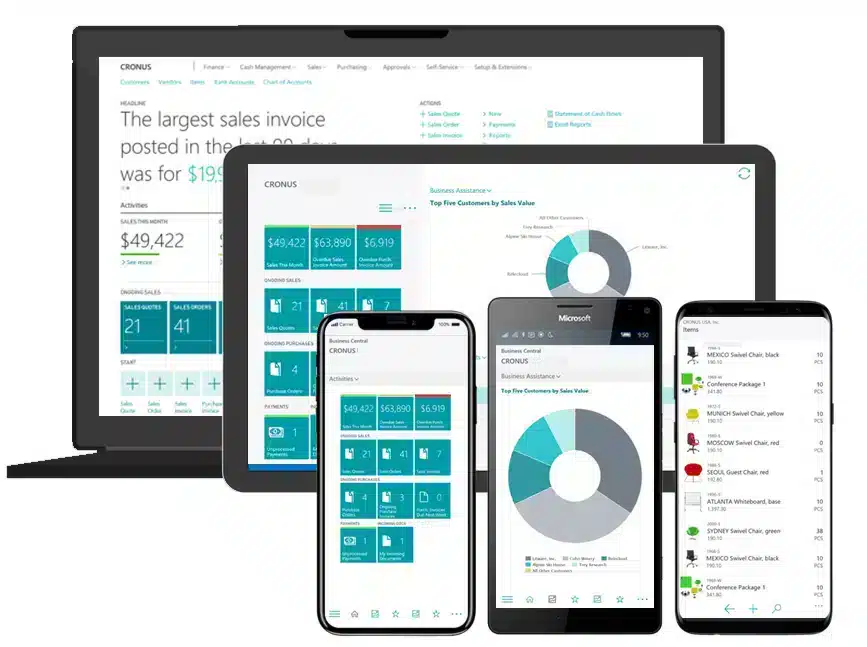
You can use our Dynamics 365 Business Central software for branches wherever and whenever you want. Because it’s not available for Windows alone. You can also download it on Apple and Android devices. And the system adjusts itself to run on PC, laptop, tablet, and smartphone. Employees can use it on numerous devices interchangeably.
Moreover, the Business Central software will always look the same because that stimulates ease of use and productivity. Microsoft provides mobile software that employees can use at all times in the office or on the go. And since it is also a Microsoft product, you are assured of future updates and innovations.
Integration with Office and other Microsoft products is guaranteed. And yes, there are many extra apps available.
What more could you want from software based on Microsoft Dynamics?
Vistasofware.com was registered in 1996 by Offimac.
And so we welcome you to this site from Offimac. Find out more about Offimac by clicking on the menu item at the top.